Remove the title from an embedded or shared IP3 report or dashboard
The report title can be redundant when your report sits on a page that already has its own heading. You can hide it by adding one parameter, &title=false, to your code or share link. If you don’t add it, the title displays by default.
Embed code
- Open your report or dashboard and select Embed at the top
 2. Copy the code and paste it into your website editor.
3. In the code, find the end of the URL, just before the closing quotation mark. Add &title=false with no spaces.
Example: <iframe src="https://ip3-assess.org/share/ckustil7c00000im138ey8ie5/clksr1m1s000s0ikj2dzt4rma?areaId=08067&utm_medium=embed&title=false" width="100%" height="790" frameBorder="0" title="Assess Report"></iframe>
Share link
- Open your report or dashboard and select Share at the top.
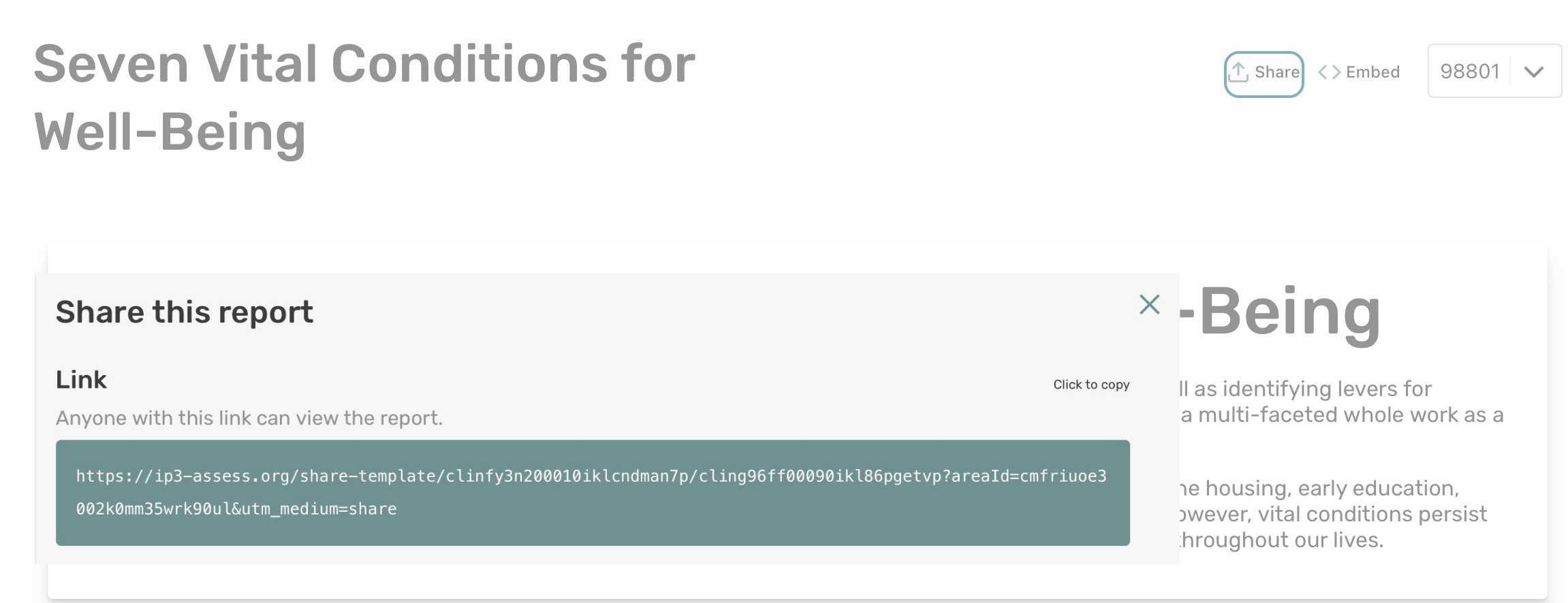
- Copy the link.
- Add &title=false to the very end of the URL.
Contact the IP3 team or your website administrator if you need help.